

- Unused Copilot licences was money leaving the building. Investing in Copilot only pays back when people are using it on real work, and not just for writing emails.
- We train on live work. Daily use comes from applying Copilot to real finance tasks in the room. The team saw the results and were hungry to learn more.
- High Net Promoter Scores are nice, but it's real behaviour change that is the outcome that counts. A sceptic now builds their own agents; a first-timer now uses Copilot every day, and the team continues to apply their Copilot knowledge to more high-value use cases, augmenting the way they do things at largest and oldest Architectural firm.
A Microsoft 365 Copilot seat costs around €30 per user each month, close to €360 a year for software that only pays back when people use it.
AI adoption is a human behaviour change problem.
That is where the return lives, and why investing in AI training with us is money well spent.
Sources: Microsoft 365 Copilot pricing;

A team that doubted Copilot now works with it every day. We call that a result!
Ireland's Largest and Oldest Architectural firm runs hundreds of live projects across its studios. The finance team powers the movement of fees, invoices and reporting. Before this programme, Copilot sat mostly unused and a lot of the work was being done the way it always had been.
Access to Copilot was patchy, and no one had been shown what it could do on finance work. Some of the finance team even doubted whether it could be trusted with numbers.
We don’t measure a programme by who turned up. We measure it by what people do differently afterwards. On that test alone, this AI training project was a success. One of the team members who had been sceptical now uses the entire Copilot suite and has built their own SharePoint agent. A Finance Manager who had never opened Copilot now uses it daily. Across the finance team, work that used to eat whole afternoons now gets drafted, checked and sent in a fraction of the time. Reports, invoice queries, reconciliations, the routine load that never lets up.
Here is what they told us, and how they got the hours back.
A finance team buried in cross-system, manual work
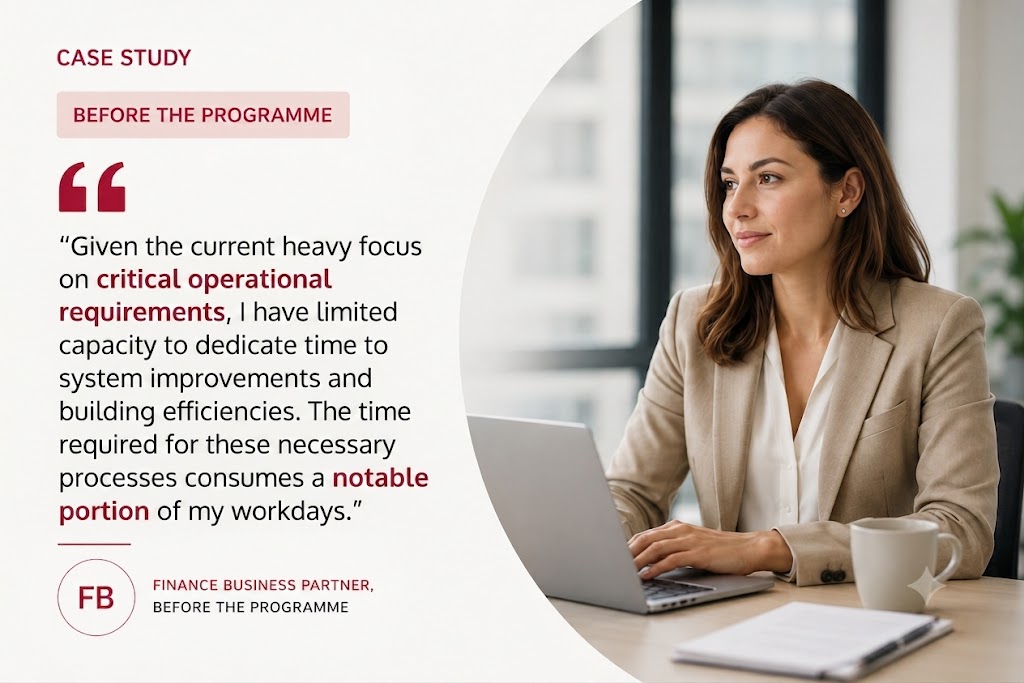
The pre-programme interviews told a consistent story. The finance team at the Ireland's Largest and Oldest Architectural firm creates real value across management accounts, fee proposals, revenue recognition, VAT and board reporting. Too much of it was being ground out by hand across CMAP, Sage, Excel and email.
- Manual month-end. Reconciling Excel fee files to CMAP, matching subconsultant and credit-card transactions, and pulling statements from several systems made month-end slow and error-prone.
- Repetitive invoicing and chasing. Raising invoices, hunting for the right recipients, drafting emails and chasing timesheets ate into time that should have gone to analysis.
- Copilot barely used. Adoption was blocked by access issues, no training, and real doubts about trusting AI with financial calculations.
- No room to experiment. An understaffed team stuck on unavoidable, repetitive work had no space to work out where the tools could help.
Copilot Skills for Finance, a course built around actual work
At the AI Institute, we design AI training programmes based on teams' actual workflows, and featuring their documents and data, so when people join it's their own familiar tools and tasks and we show them how to augment them with AI.
The Copilot for Finance course ran across two hands-on sessions where everyone got to work with Copilot in live finance tasks in the session.
- Outlook. Prompt-driven drafting, thread summarisation and triage - using Copilot to compress inbox load and surface action items from long chains.
- Excel. Natural-language interrogation of live CMAP and fee data: formula construction, variance analysis, anomaly detection and structured querying against real project financials.
- PowerPoint and Word. Generating the monthly finance deck and board summaries from source data, with iterative refinement, tone control and reuse of existing document structures.
- Agents and workflows. Designing and deploying Copilot agents to own recurring, cross-system tasks - grounding them in SharePoint sources, defining scope and instructions, and handing off repeatable finance processes.
As with all of our AI training courses, participants are invited to try each capability on their own work as they learned it live, in session. Then they are encouraged to practice the same technique on their own work in the days following. The next session they are invited to share what they've done.
And that is how training turns into habit: applying something to a real task and watching it hold up. It's also very satisfying and encourages participants to come back for more.
“I liked that we were able to try it out ourselves during the session.”
From doubt to daily use
- Zero to daily. A Finance Manager who had never used Copilot now reaches for it every day, for everything from email management to building the weekly creditor spreadsheet in Excel.
- A sceptic became an advocate. A previously unconvinced team member took on the full suite and built their own SharePoint list agent, with no help from us. The last we heard they were managing their own team of agents.
- Overall confidence in Copilot was up. Participants moved to ‘much more confident’ about using Copilot after the sessions with us. This ensures that Ireland's Largest and Oldest Architectural firm gets a return on its investment in licenses.
- New ground identified. With Copilot seen working across their own data, the team were already coming up with more high-value ideas, such as bid and proposals, proving that Copilot training with us is the starting point for an entirely new way of working.
- A perfect score. Participants rated the training 10 out of 10 and would recommend it to colleagues. On top of the productivity gains we were tasked to deliver, 43% said they could do more strategic thinking thanks to learning with us.
Finance now has confident people who are using Copilot daily. Measurable productivity from day one, capability that compounds after we leave. That's what we call a job well done.
Book a 30-minute call with us to to find where your firm can use AI to drive productivity gains, quality output and happier people.
Think of it as a conversation about what can be, not a sales call.