AI for Excel: the commercial workflows AEC teams should automate first
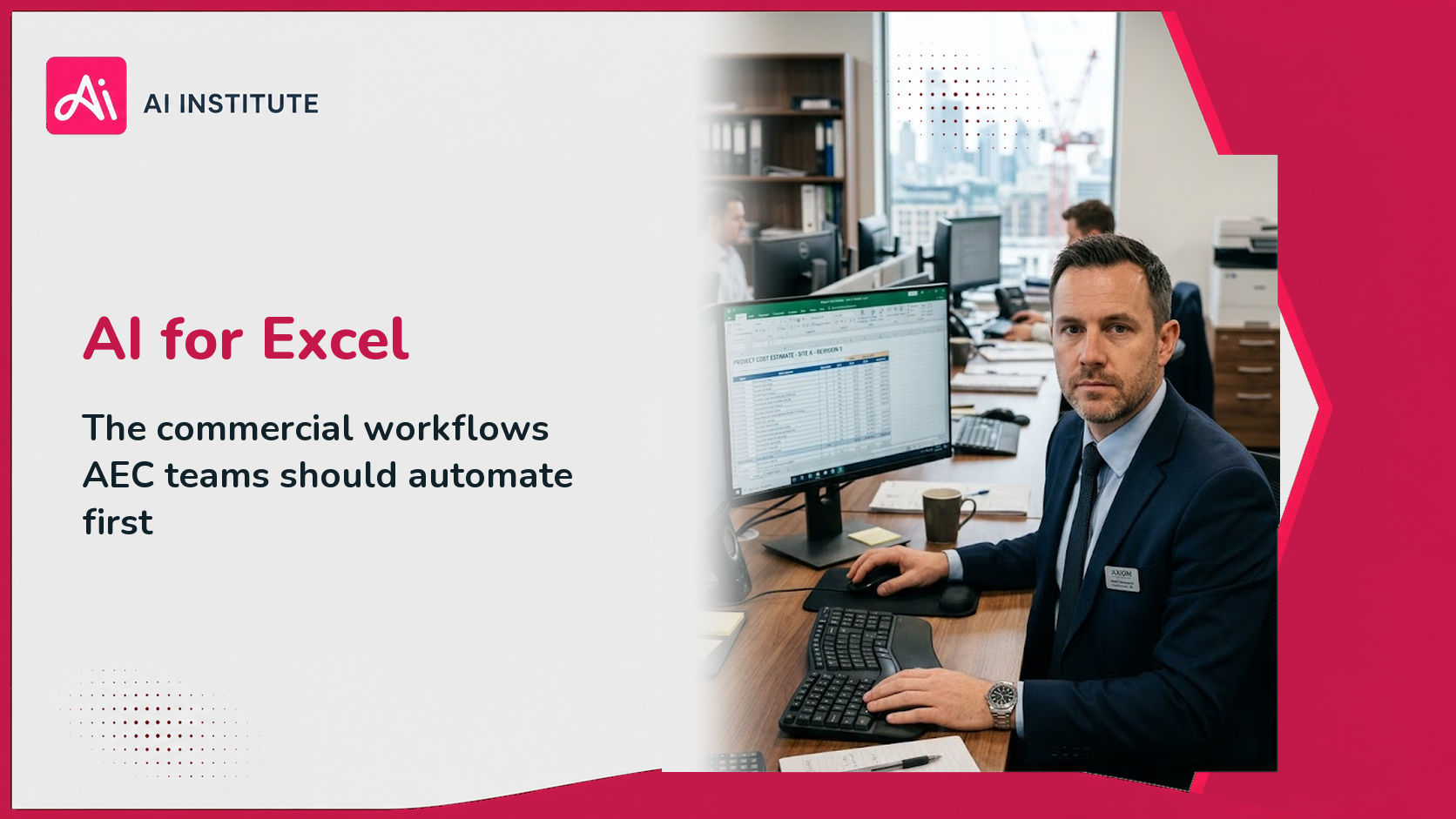
AI for Excel means using tools such as Microsoft Copilot inside a spreadsheet to explain, summarise, restructure and query data in plain English rather than by writing formulas. In AEC commercial work it earns its place on four things: explaining variance, drafting the narrative around a cost report, restructuring inherited spreadsheets, and building lookups that someone would otherwise spend an afternoon on.
What it should not do is produce a figure that lands in a valuation or a cost report without the underlying calculation being checked by the person who signs it. That boundary is the whole of the risk, and it is worth being precise about before anyone opens a spreadsheet.
What can AI for Excel actually do inside a spreadsheet?
Four categories, in descending order of how reliable they are.
Explain. Ask what is driving a variance, which line items moved most between two periods, or what a formula someone else wrote is actually doing. This is the most reliable use and the most immediately useful, because it turns a spreadsheet you inherited into one you understand.
Summarise and narrate. Draft the commentary that accompanies a cost report or a monthly return, from figures you have already produced and verified. Commercial teams write a lot of this narrative and it is genuinely repetitive.
Restructure. Turn a badly shaped sheet into a usable one: unmerge cells, normalise a table, split a column, build the pivot you were going to build anyway.
Build. Generate formulas, lookups and conditional logic from a description of what you want. Reliable for common patterns, less so for anything unusual, and always something to test on known values before trusting.
Microsoft's guide to getting started with Copilot in Excel is the authoritative reference for current capability inside the spreadsheet itself, and worth checking because the feature set moves.
Which commercial workflows should AI for Excel automate first?
The ones that are recurring, narrative heavy and already reviewed by a qualified person.
Cost reporting with AI for Excel
- Variance explanation. Ask which packages moved, by how much, and against what. The output is a starting point for the surveyor's judgement, not a substitute for it.
- Report narrative. Drafting the commentary sections around verified figures. Most commercial teams write this monthly and most find it the least valuable use of a surveyor's time.
- Period comparison. Summarising what changed between two cost reports, as a list to check.
AI for Excel in cost value reconciliation
- Structuring the working. Building the comparison layout, aligning cost and value lines, flagging where a package appears in one and not the other. The reconciliation itself remains a professional exercise.
Subcontract and ledger work in Excel
- Ledger interrogation. Asking questions of a long subcontractor ledger rather than filtering manually.
- Payment status summaries across packages for a commercial meeting.
Inherited spreadsheets and AI for Excel
- Making sense of someone else's model. Explaining what a chain of formulas does, and where a hard-coded value has been dropped into a calculated column. This alone justifies the licence for many commercial teams, because inherited spreadsheets are a standing risk in this sector.
Month end reporting in Excel
Finance functions in AEC businesses run the same monthly cycle as any other, with the added complication of project-based revenue recognition. The reporting narrative, the variance explanation and the reconciliation preparation all suit this.
Where should AI for Excel not be trusted?
Four places, and they are not negotiable.
Producing a figure that gets issued. A quantity, a rate, a valuation, an application figure. If the number has no derivation you can follow and defend, it cannot go in the report. Ask it to build the calculation; check the calculation; own the result.
Silent assumptions. A model asked to fill a gap will often fill it plausibly rather than flagging it. Always instruct it to mark what it could not determine rather than infer, and then check that it did.
Anything with a broken audit trail. If a restructure loses the link between a source and a total, the sheet is worse than it was, however tidy it looks.
Confidential data in the wrong place. Tender pricing, subcontract rates and staff costs are commercially sensitive, and personal data has its own rules. Which tool and which licence you are using determines what happens to that data. The ICO's guidance on AI and data protection sets out what the control needs to cover, and licensing differs between consumer, business and enterprise plans. Confirm the current position through Microsoft support.
AI for Excel in practice: explaining a monthly cost variance
The difference between a useful answer and a plausible one is almost always the brief. A workable structure for commercial work has four parts.
- Bound the data. 'Using only the range A1 to M240 on the sheet named Cost Report September, which contains one row per package.'
- State the question precisely. 'List the five packages with the largest adverse movement between the August and September forecast final cost columns, with the value and percentage of the movement.'
- Forbid inference. 'Where a package has no August figure, list it separately as not comparable. Do not estimate.'
- Ask for the working. 'Show the calculation used for each figure so it can be checked.'
That last instruction is the one commercial teams should adopt as standard. An answer you can check in thirty seconds is worth more than a better answer you cannot.
What AI for Excel needs from the team
Two things, and neither is technical.
A verification habit. Test on known values first. Take a month you have already closed, ask the question you would have asked, and compare the answer against what you know is true. Teams that do this build accurate confidence quickly. Teams that skip it build either misplaced trust or blanket suspicion, and both are expensive.
A shared standard. What may be asked of a spreadsheet, what must be checked, and how a checked output is recorded. Ambiguity here is why careful senior people leave the licence unused.
Adoption is a behaviour change problem rather than a technical one, which is why licences issued without training reliably produce low usage. The skill is not operating the tool. It is knowing which questions are safe to ask and how to verify what comes back. For the underlying capability, see Microsoft Copilot training.
How to verify what AI for Excel gives you
Verification is the skill that makes spreadsheet AI safe, and it is quicker than most people assume once it becomes routine. Four checks cover almost everything.
Test on a known answer first. Before trusting a question on live data, ask it about a period you have already closed and reported. If the answer matches what you know is true, your confidence is calibrated. If it does not, you have learned that cheaply.
Check the extremes. Look at the largest and smallest values in any result. Errors in aggregation, filtering and date handling almost always show up at the edges rather than in the middle.
Reconcile to a total you already have. If a summary of package movements does not sum to the movement in the cost report you produced, something is wrong in the filtering. This single check catches most silent range errors.
Read the working, not just the answer. If you asked it to show the calculation, read it. A correct-looking number produced by the wrong method will be wrong again next month on different data, and nobody will notice until it matters.
Commercial teams that build these four checks into the habit move faster than teams that either trust blindly or refuse to engage. Verification is not a tax on the time saved. It is the thing that makes the time saved usable.
AI for Excel: frequently asked questions
What is AI for Excel? Using tools such as Microsoft Copilot inside a spreadsheet to explain, summarise, restructure and query data in plain English, instead of writing formulas by hand.
What can Copilot do in Excel? Explain what a formula or a variance is doing, draft narrative from verified figures, restructure badly shaped sheets, and build formulas and lookups from a description. Confirm current capability with Microsoft, as it changes frequently.
Which Excel task should a commercial team automate first? Variance explanation on the monthly cost report. It is recurring, it is narrative heavy, and the output is checked by a surveyor anyway.
Can AI be trusted with financial data in a spreadsheet? It can be trusted to explain and restructure. It should not produce a figure that gets issued without the calculation being checked. Data handling depends on your licence, so confirm which plan you are on.
Do you need a Copilot licence? For Copilot inside Excel, yes, a Microsoft 365 Copilot licence on a qualifying plan. Other AI tools can work with exported data, which raises its own confidentiality questions.
Next steps: AI for Excel training for AEC teams
AI Institute runs Copilot AI Skills live online course covering confident, safe Copilot use across Word, Excel, PowerPoint, Outlook, Teams and Copilot Chat. It is EUR 500 per person and requires a Microsoft 365 Copilot licence.
For the finance function specifically, see Copilot for finance teams in construction.